

Overview
Duplicating a product creates a new draft with all the same field values, prefixed with “Copy of”. You can duplicate a single product or multiple products at once.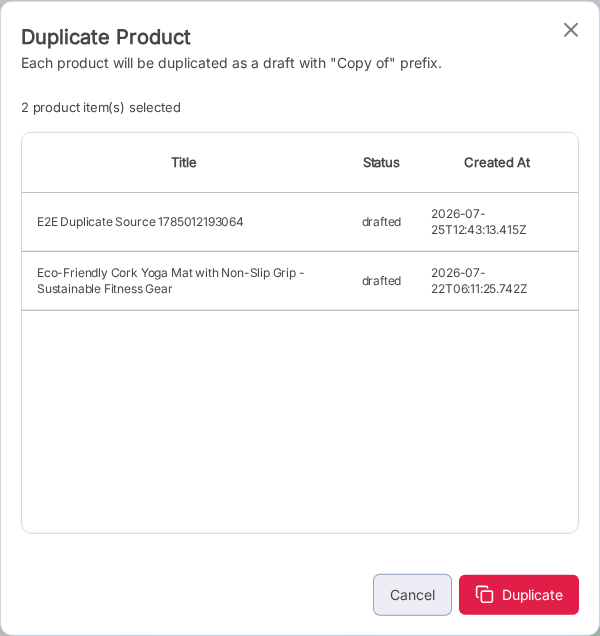
Steps
1
Select the products to duplicate
On the Products list, check the rows you want to duplicate. You can select one or many.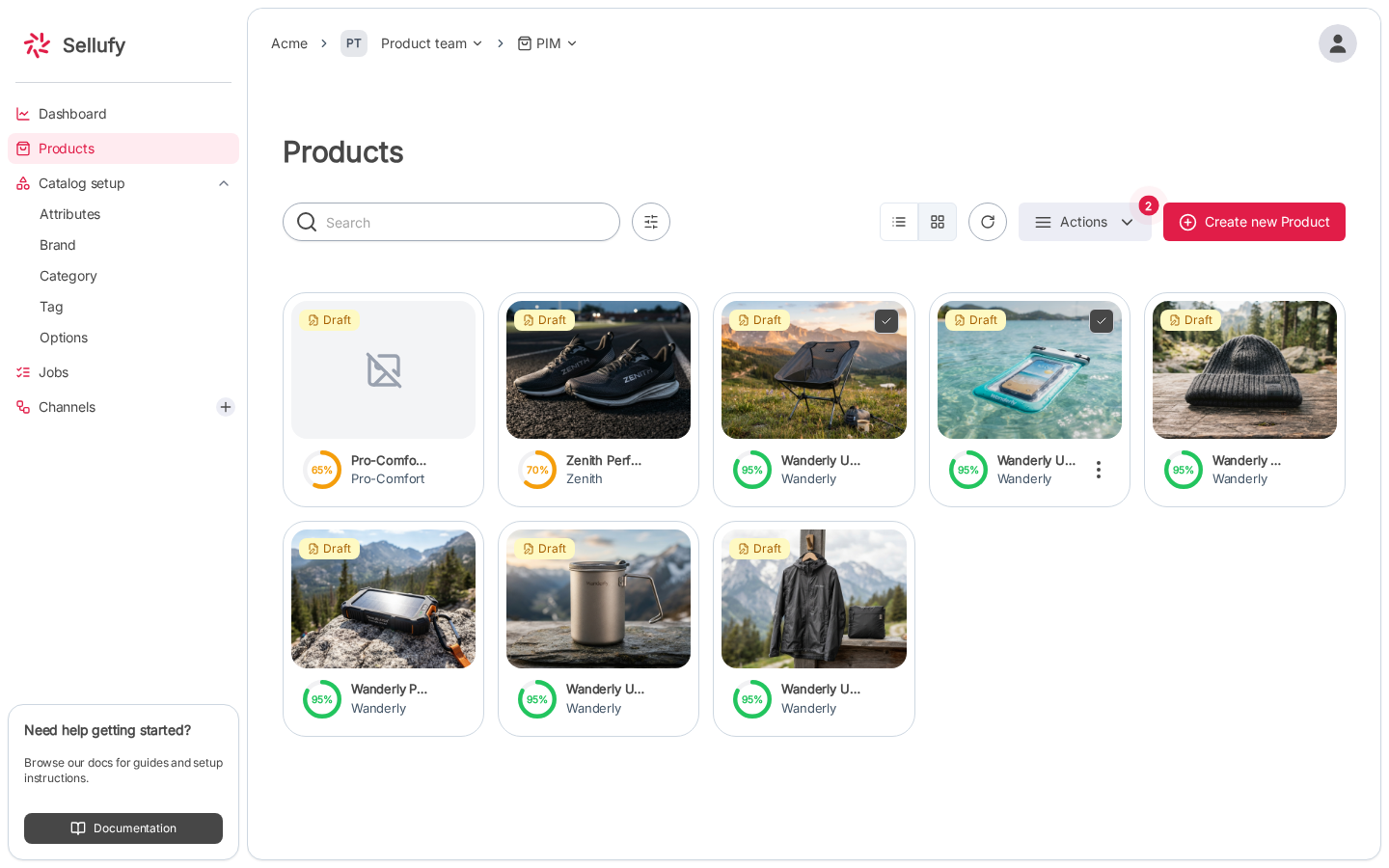
2
Open Duplicate
Click Bulk Actions → Duplicate in the toolbar.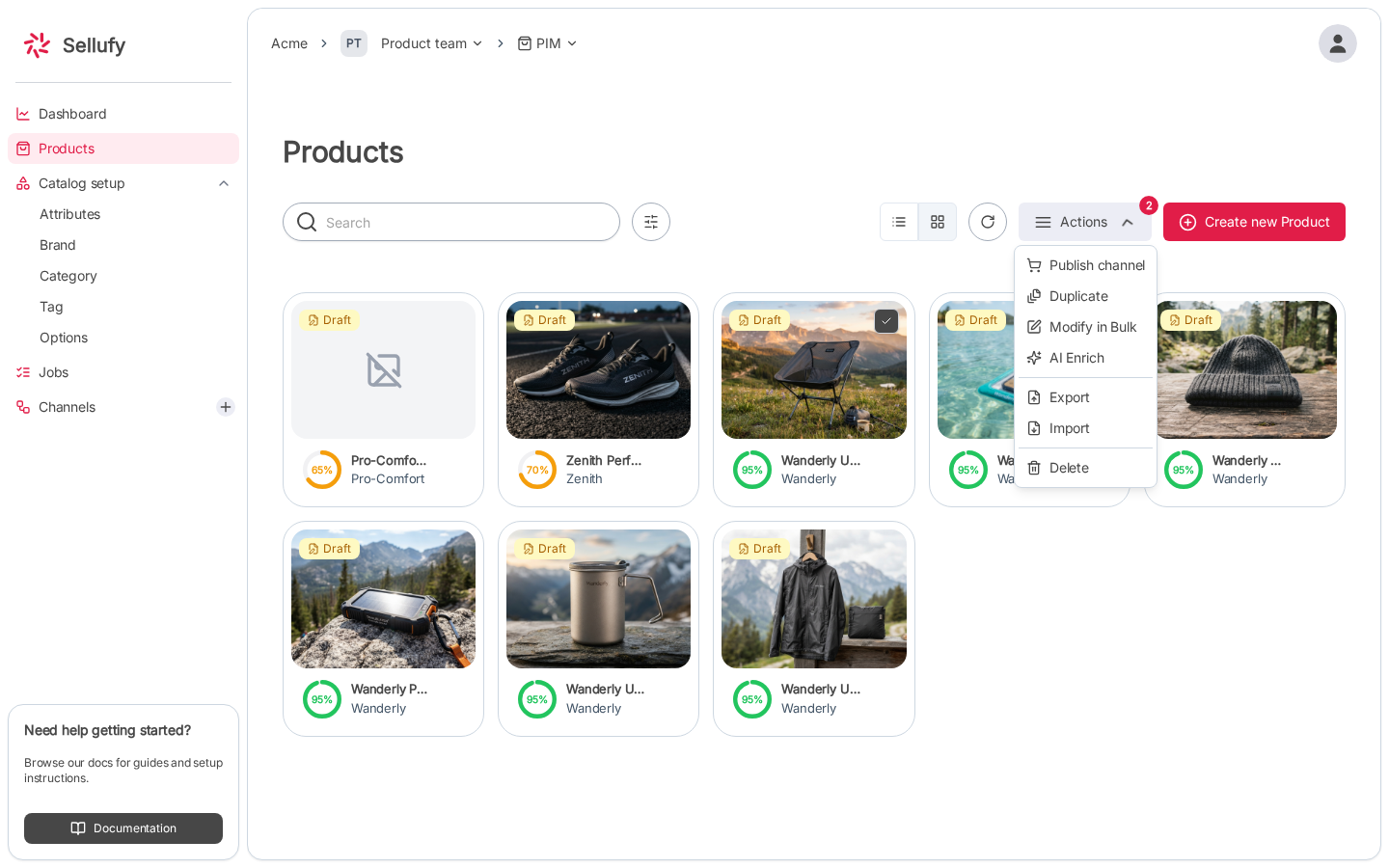
3
Review selected products
The dialog shows a table of all selected products with their Title, Status, and Created At date. Confirm the list is correct.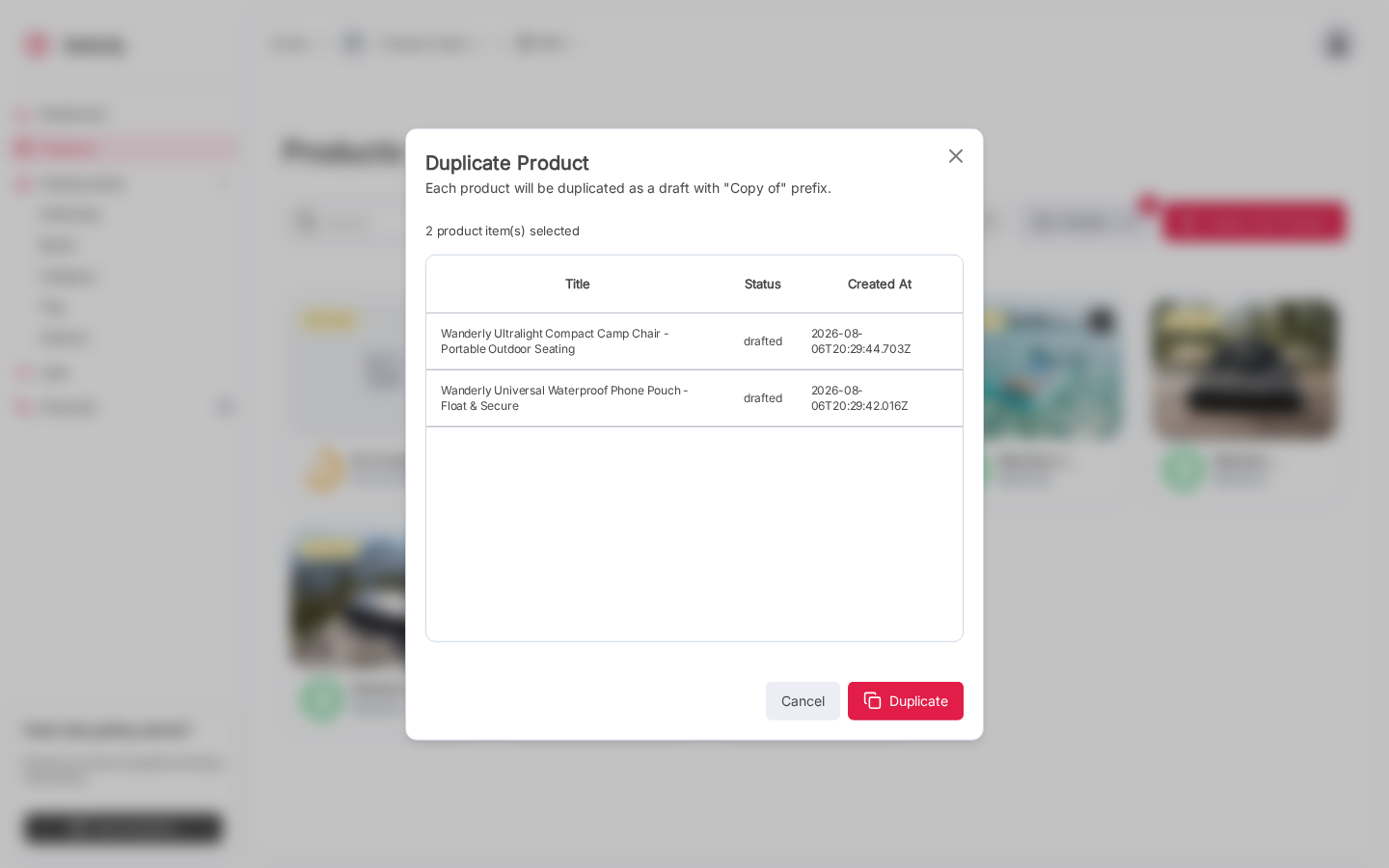
4
Confirm
Click Duplicate. Each product is copied immediately and the new drafts appear in the product list.
What Gets Copied
Duplicated products are always created as drafts. They will not appear in any published channel until you explicitly publish them.