
What are channels?
Channels are connections between your Sellufy PIM catalog and external storefronts. Once a channel is connected you can publish products to it and link custom attributes to the platform’s own destination properties.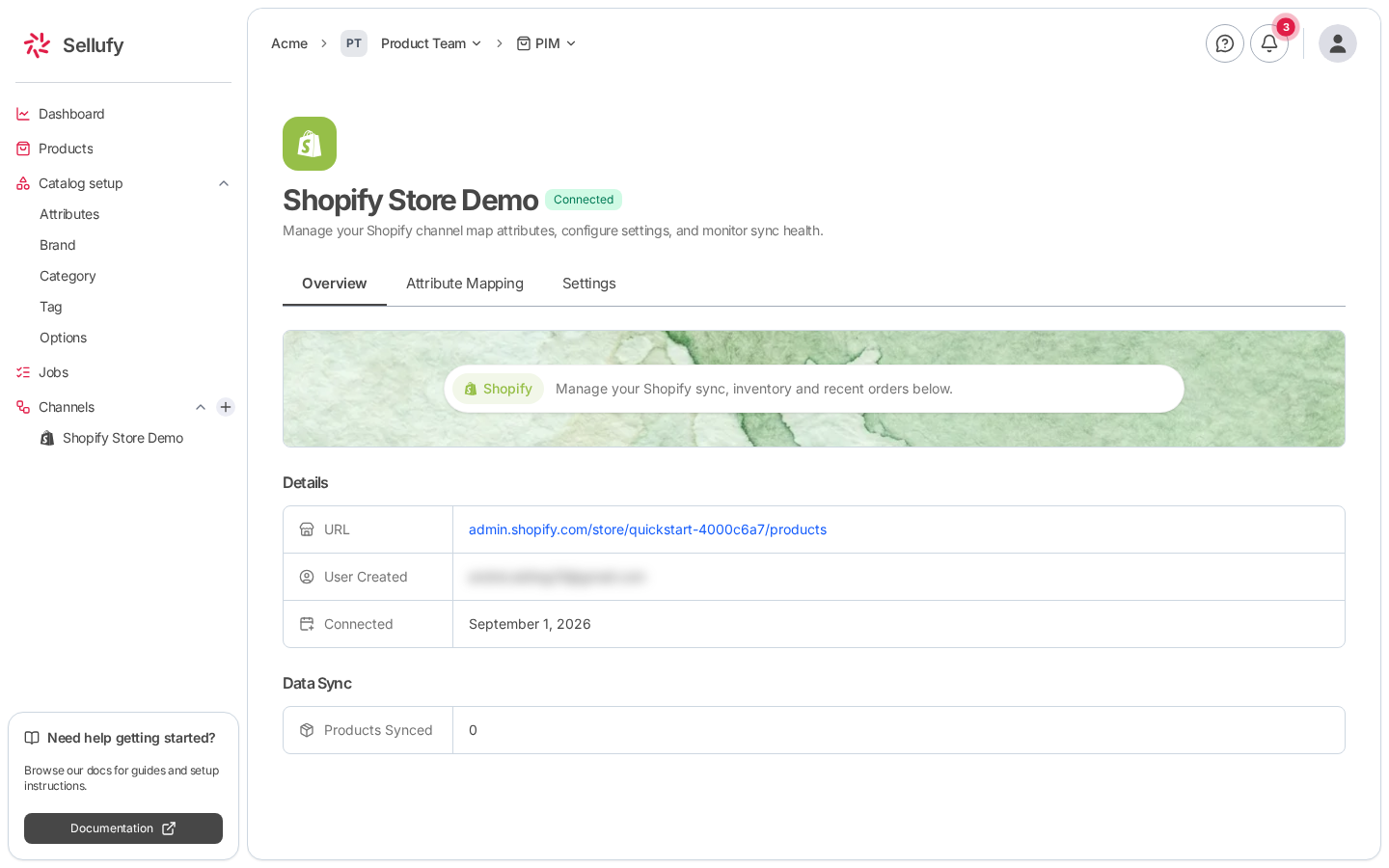
Supported platforms
Channel statuses
Each channel carries a status badge next to its name.Finding your channels
Your channels are listed in the sidebar under Channels. Click one to open its detail page.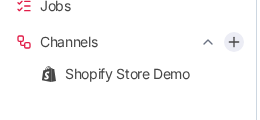
Channel detail: Overview tab
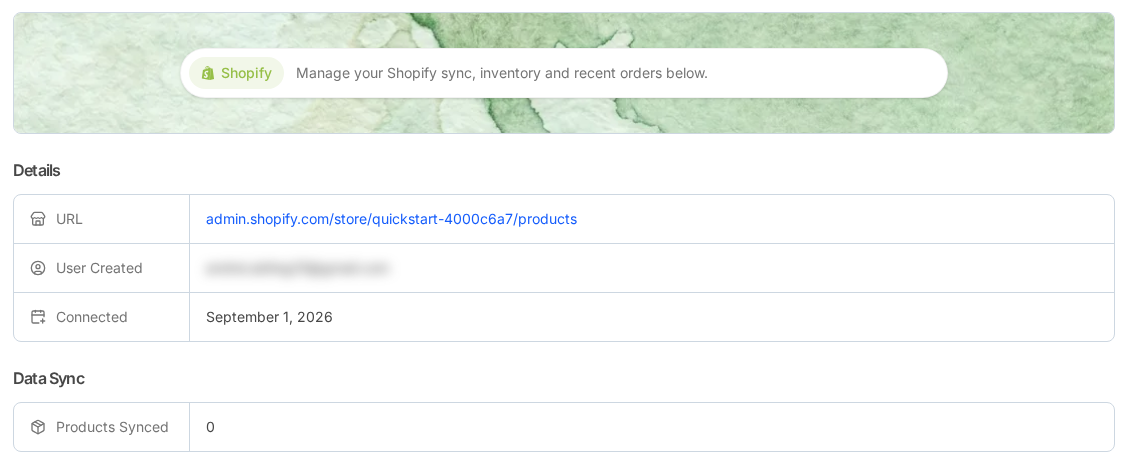
The detail page has three tabs: Overview, Attribute Mapping, and Settings. Overview opens with a platform banner, then two tables. Details covers the connection itself.
Data Sync reports how many products have been synced to this channel.